
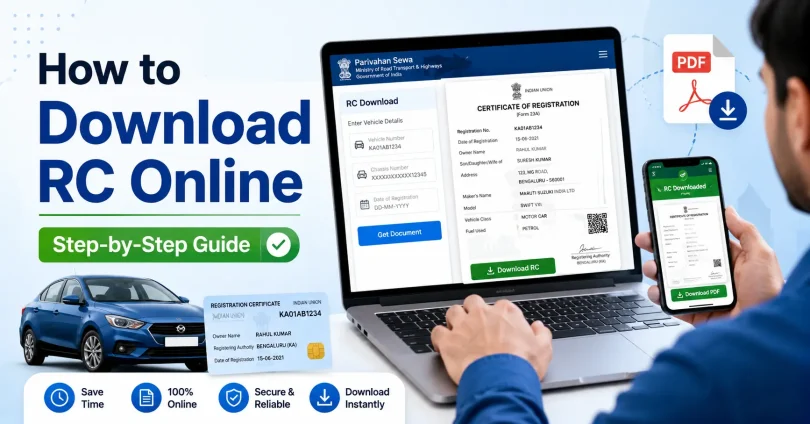
Every vehicle owner in India needs to carry their Registration Certificate (RC) at all times. But what happens when the physical RC is misplaced, damaged, or simply not with you? The good news is that you can download RC online in minutes — legally and for free — using official government platforms.
This guide explains exactly how to download RC online using three official methods: DigiLocker, mParivahan, and the Parivahan (Vahan) portal. It also covers what an RC contains, why it matters, the difference between RC formats, and how to fix common problems like RC not found or download not working.
What Is an RC (Registration Certificate)?
An RC, or Registration Certificate, is an official document issued by the Regional Transport Office (RTO) after a vehicle is legally registered. It serves as the primary proof of ownership and registration for any vehicle in India — whether it is a two-wheeler, car, or commercial vehicle.
Without a valid RC, a vehicle cannot legally be driven on Indian roads. It is required at traffic checkpoints, during insurance claims, for resale transactions, at RTO services, and for loan-related (hypothecation) work.
What Information Does an RC Contain?
A standard RC includes the following details:
- Vehicle Registration Number (number plate)
- Owner’s Full Name and Address
- Vehicle Category (bike / car / commercial / transport)
- Manufacturer Name and Vehicle Model
- Fuel Type (Petrol / Diesel / CNG / Electric)
- Engine Number and Chassis Number (full or partially masked)
- RTO Name, State Code, and Registration Date
- RC Validity and Fitness Certificate Expiry (for commercial vehicles)
- Hypothecation Details (if vehicle is under loan/EMI)
- Vehicle Colour and Seating Capacity
- Emission Norms Compliance (BS4, BS6)
Is a Digitally Downloaded RC Valid in India?
Yes. A digitally downloaded RC is legally valid in India under the Motor Vehicles Act and the IT Act 2000. The Supreme Court of India and the Ministry of Road Transport and Highways (MoRTH) have both confirmed that digital documents fetched from DigiLocker and mParivahan carry the same legal standing as physical documents.
However, validity depends on how you present the document:
| Format | Is It Accepted? |
| RC opened inside DigiLocker app | Yes — legally valid |
| RC opened inside mParivahan app | Yes — legally valid |
| RC PDF downloaded from DigiLocker | Yes — legally valid |
| Screenshot of RC | Not always accepted — avoid this |
| Edited or printed copy from unofficial sources | Not valid — can lead to fine |
For important tasks like vehicle sale, ownership transfer, or court cases, the original physical smart card RC is still preferred. For regular driving and traffic checks, the digital version is sufficient.
RC Book vs RC Card vs e-RC: What Is the Difference?
Over the years, the format of the Registration Certificate has changed in India. Here is how all three formats compare:
| Format | Description | Still Valid? |
| RC Book (Paper) | Old booklet format issued before 2000s. Common in older vehicles. | Yes, until updated by RTO |
| RC Smart Card (PVC) | Current standard. Wallet-size card issued by most RTOs today. | Yes — primary format |
| e-RC (Digital) | Digital version available on DigiLocker and mParivahan. Issued by MoRTH. | Yes — legally valid |
3 Official Ways to Download RC Online
There are three government-approved methods to download or access your RC online. Choose the one that best matches your need:
| Method | Best For | Download PDF? | Free? |
| DigiLocker | Printable RC / permanent copy | Yes | Yes |
| mParivahan App | Mobile RC for traffic checks | No (view only) | Yes |
| Parivahan/Vahan Portal | RC status & service tracking | Partial | Yes |
Method 1: How to Download RC Online Using DigiLocker (Recommended)
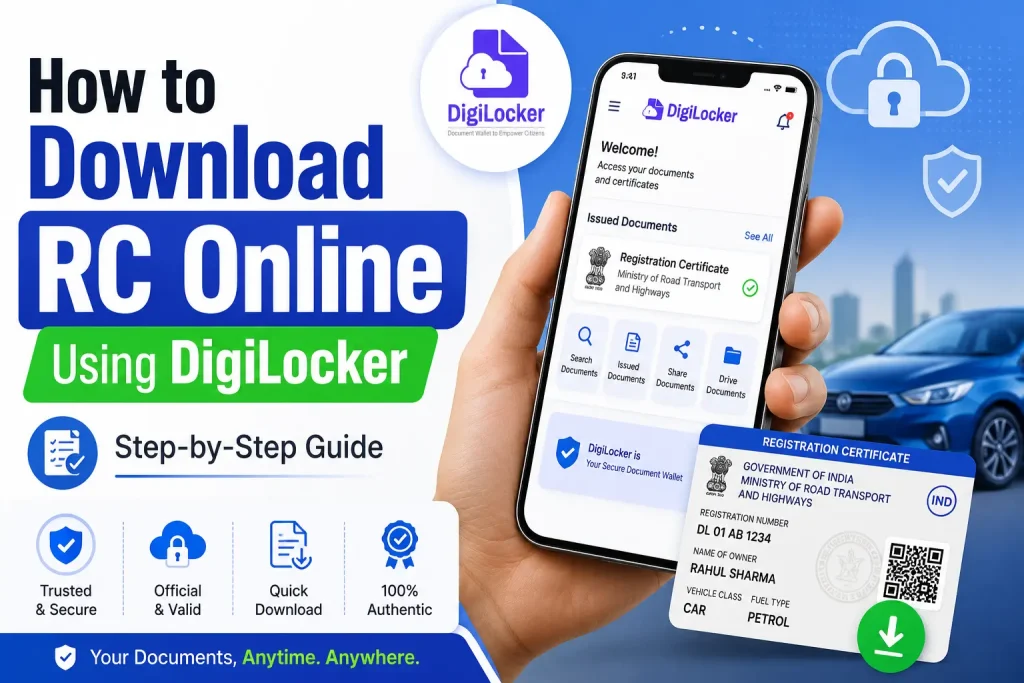
DigiLocker is the most reliable method if you need a downloadable PDF copy of your RC. It is a government platform (digilocker.gov.in) that stores officially issued documents linked directly to your Aadhaar.
Before You Start
- Your Aadhaar number must be linked to your mobile number.
- The vehicle must be registered in your name on the Parivahan/Vahan system.
- You will need the vehicle’s chassis number (last 5 digits) for verification.
Step-by-Step Process
- Open DigiLocker: Download the DigiLocker app from Google Play Store or Apple App Store, or go to digilocker.gov.in on a browser.
- Sign Up or Log In: If you are a new user, create an account using your Aadhaar number and mobile OTP. Existing users can log in directly.
- Go to ‘Issued Documents’: After logging in, tap on the ‘Issued Documents’ section from the home screen.
- Tap ‘Get More Documents’: Search for ‘Registration Certificate’ or scroll to find it under Ministry of Road Transport and Highways (MoRTH).
- Select the Issuer: Choose ‘Ministry of Road Transport and Highways’ as the document issuer.
- Select Document Type: Tap on ‘Registration Certificate (Vehicle Registration)’.
- Enter Vehicle Details: Type your vehicle registration number (for example, MH12AB1234) and the last 5 digits of your chassis number. Enter the number without spaces or hyphens.
- Fetch the Document: Tap ‘Get Document’. DigiLocker will pull the RC from the government database.
- Download or Save PDF: Your RC will appear under ‘Issued Documents’. Open it and tap the download icon to save as PDF or share it.
Tip: What If the Chassis Number Is Not Known?
Check the original purchase invoice, insurance policy, or look for a chassis plate inside the engine bay or under the seat of your bike. The chassis number is usually 17 characters long. DigiLocker only needs the last 5 digits.
Method 2: How to Download RC Online Using mParivahan App
mParivahan is the official transport app of the Government of India. It keeps your RC as a mobile digital card, which you can show at traffic checkpoints without needing a paper copy or printout.
Before You Start
- Install the mParivahan app from Google Play Store or Apple App Store.
- Your registered mobile number with the RTO may be needed for OTP verification.
- Keep your vehicle registration number ready.
Step-by-Step Process
- Install the App: Download ‘mParivahan’ from the Play Store or App Store. It is a free, government-issued app.
- Create an Account or Log In: Sign up using your mobile number. Verify with OTP.
- Go to ‘RC’ Section: From the home screen, find and tap the ‘RC’ or ‘Vehicle Details’ option.
- Tap ‘Add RC’ or ‘Link RC’: Enter your vehicle registration number in the correct format (for example, DL01AB1234).
- Complete Verification: The app may ask for OTP or the last digits of the chassis number. Complete the verification step. If OTP is not received, wait 10 minutes and try again.
- View Your Digital RC: Once linked, your RC card will appear in your dashboard. It shows owner name, vehicle model, fuel type, RTO details, and RC validity.
- Show During Traffic Checks: Open the app, go to your RC, and show the digital card to the traffic officer. It is legally accepted.
Note on mParivahan
mParivahan does not offer a downloadable PDF. If you need a printable copy, use DigiLocker. mParivahan is best for daily use and quick access on your smartphone.
Method 3: How to Check RC Online Using the Parivahan Portal (Vahan)
The Parivahan portal (vahan.parivahan.gov.in) is the main government website for all vehicle-related services. It is best used for checking your RC status, tracking RC application progress, verifying vehicle registration details, and accessing state-specific RTO services.
Step-by-Step Process
- Open the Parivahan Portal: Visit vahan.parivahan.gov.in on a browser. The portal is mobile-friendly.
- Select Your State: Choose your state from the dropdown menu to access state-specific RC services.
- Go to Vehicle or RC Services: Look for ‘Vehicle Related Services’ or ‘Know Your Vehicle Details’ depending on your state’s portal layout.
- Enter Vehicle Details: Enter your vehicle registration number, chassis number (last 5 digits), and mobile number if required.
- Complete Captcha or OTP: Fill in the captcha or verify via OTP if prompted.
- View RC Status and Details: You can check RC validity, application progress (for duplicate RC or transfer), and other registered details.
When to Use the Parivahan Portal
- Your RC is under processing and you want to track the status.
- You applied for a duplicate RC and want to check if it is ready.
- You need to verify vehicle registration details before buying a used vehicle.
- You want to access state-level RTO services online.
Bonus Method: How to Download RC PDF from DigiLocker Without the App
If you do not want to download the DigiLocker app, you can still download your RC as a PDF directly from the website. Here is how:
- Open Browser: Go to digilocker.gov.in on your phone or computer.
- Sign In: Click ‘Sign In’ and verify using your mobile number and OTP.
- Go to Issued Documents: Click ‘Issued Documents’ from the top menu.
- Search for RC: Click ‘Get More Documents’, select MoRTH, and choose ‘Registration Certificate’.
- Enter Vehicle and Chassis Details: Fill in the registration number and last 5 digits of the chassis number.
- Download PDF: Click ‘Get Document’. Your RC PDF will appear. Click the download icon to save it.
Quick Comparison: Which Method Should You Use?
| Your Need | Best Method | Why |
| Printable or saveable RC PDF | DigiLocker | Only method that gives a downloadable PDF |
| RC on phone for traffic check | mParivahan | Always on your home screen, quick access |
| Check RC status or track application | Parivahan Portal | Shows live service status and history |
| RC not showing in one method | Try another method | Each platform syncs data independently |
| RC for used vehicle verification | Parivahan Portal | Check full history before purchase |
| RC under a bank loan (hypothecation) | DigiLocker or Physical RC | Hypothecation details visible in full |
Understanding Every Field on Your RC
Once you download your RC online, you will see various technical fields. Here is what each of them means:
| RC Field | What It Means |
| Registration Number | Unique number assigned by the RTO (e.g., KA01GK2841). KA = state code, 01 = district, GK2841 = unique serial. |
| Owner Name | Full legal name of the registered owner. Must match government ID. |
| Owner Address | Official address registered with the RTO. Updates needed within 30 days of relocation. |
| Vehicle Class | Private (white number plate) or Commercial (yellow number plate). Using a private vehicle commercially is illegal. |
| Registration Date | Date the vehicle was officially registered with the RTO. |
| Fuel Type | Petrol, Diesel, CNG, EV, Hybrid, etc. |
| Engine Number | Unique identifier for the engine. Important for insurance and FIR. |
| Chassis Number (VIN) | 17-character vehicle identification number. Used to link RC to the exact vehicle frame. |
| Hypothecation | If the vehicle is under loan, the lender’s name appears here. Must be cleared before sale. |
| RC Validity | For non-transport vehicles: valid for 15 years. For commercial vehicles: renewed every 5 years. |
| Fitness Certificate | Mandatory for commercial vehicles. Confirms the vehicle is roadworthy. |
| Emission Norm | BS4 or BS6. Relevant for pollution certificate and state-level restrictions. |
| Seating Capacity | Maximum number of passengers allowed. Exceeding this is a traffic offence. |
Common Problems and How to Fix Them
Many users face issues while trying to download RC online. Here are the most common problems and their solutions:
| Problem | Solution |
| RC not found on DigiLocker | Check that the registration number is entered without spaces or hyphens. Verify the chassis number (last 5 digits only). Wait 24-48 hours if the vehicle was recently registered. |
| OTP not received on mParivahan | Wait 10-15 minutes. Make sure your registered mobile number (the one given to the RTO at the time of registration) is active. |
| Chassis number mismatch error | Cross-check the chassis number from your insurance certificate or original purchase invoice. Some RTOs mask certain digits. |
| RC shows ‘suspended’ or ‘blacklisted’ | Contact your local RTO directly. This could be due to an unresolved challan, expired insurance, or fitness certificate lapse. |
| Name spelling mismatch on RC | Visit the RTO with your Aadhaar card and original RC to apply for a correction. This is a free service. |
| RC not showing correct address | If you have moved, you must update your address at the RTO within 30 days. Carry Aadhaar and proof of new address. |
| Download button not working on DigiLocker | Try a different browser or clear the cache. On mobile, ensure the app is updated to the latest version. |
| RC shows ‘hypothecation’ even after loan repayment | Get an NOC (No Objection Certificate) from your bank and submit it to the RTO to remove the hypothecation entry. |
When Do You Still Need the Physical RC?
While the digital RC is valid for most purposes, there are specific situations where the original physical smart card RC is required:
- Vehicle sale and ownership transfer at the RTO
- Removing hypothecation after completing loan repayment
- Court hearings and legal proceedings
- Some insurance claim investigations
- Applying for a duplicate RC (you submit the original as proof of loss)
- RC renewal after 15 years for non-transport vehicles
How to Apply for a Duplicate RC If the Original Is Lost
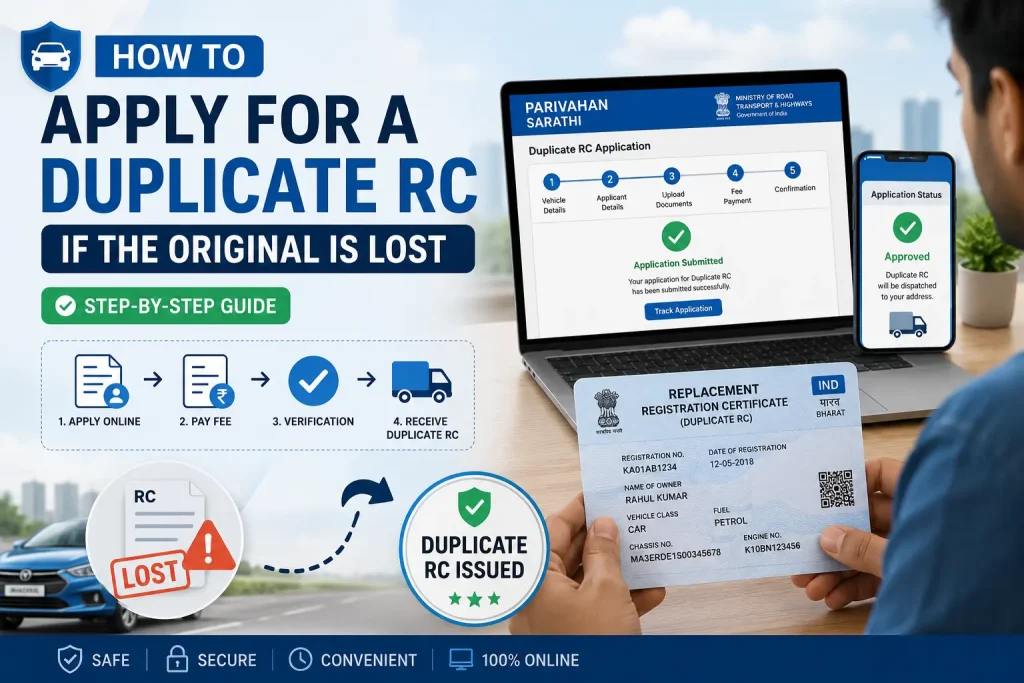
If your original RC is lost or damaged, you need to apply for a duplicate RC at your RTO. Here are the general steps:
- File an FIR at your nearest police station for lost RC.
- Get the FIR copy as proof of loss.
- Fill Form 26 (Application for Duplicate RC) available at the RTO or online at parivahan.gov.in.
- Attach required documents: FIR copy, address proof, identity proof, insurance copy, and Pollution Under Control (PUC) certificate.
- Pay the prescribed RTO fee (varies by state and vehicle type).
- Submit the application at your RTO. The duplicate RC is typically issued within 7-30 working days.
Important: While waiting for the duplicate RC, you can use DigiLocker or mParivahan to access your digital RC as a legal alternative.
RC Renewal: When and How
RC renewal is required when the validity period expires. Here is what you need to know:
| Vehicle Type | RC Validity and Renewal Rule |
| Non-Transport (Private Car or Bike) | Valid for 15 years from the date of registration. Must be renewed every 5 years after that. |
| Transport / Commercial Vehicle | RC validity is linked to fitness certificate. Renewed every 2 years after the first 2 years. |
| Electric Vehicles (EV) | RC issued for 15 years with possible extension depending on state rules. |
You can apply for RC renewal online through the Parivahan portal or visit your local RTO. Documents required include the current RC, valid insurance certificate, PUC certificate, and address proof.
RC Transfer: What Happens When You Buy or Sell a Vehicle
When a vehicle changes ownership, the RC must be transferred to the new owner’s name. This is an important step that is often missed, leading to future legal or insurance complications.
Steps for RC Transfer
- Seller provides Form 29 (Notice of Transfer of Ownership) and Form 30 (Application for Transfer of Ownership) to the buyer.
- Buyer submits both forms along with identity proof, address proof, and insurance documents to the RTO.
- RTO updates the ownership records on the Vahan/Parivahan database.
- New RC is issued in the buyer’s name, typically within 30 days.
Warning: If you buy a used vehicle and do not transfer the RC to your name, the previous owner remains legally responsible for any challans or accidents involving that vehicle.
How to Check Pending Challans Before Downloading RC
Before downloading RC details for a used vehicle, it is a good practice to check for any pending e-challans linked to that registration number. Pending challans can complicate ownership transfer and must be settled before the RTO will process any RC-related requests.
You can check e-challans at echallan.parivahan.gov.in. Enter the vehicle registration number or chassis number to see all outstanding fines.
State-Specific Notes for RC Download
The RC download process works the same way across India because DigiLocker and mParivahan are national platforms. However, some states have their own transport portals in addition to the national Parivahan system. Here are a few examples:
| State | State Portal | Additional Note |
| Maharashtra | vahanyatra.maharashtra.gov.in | Also supports e-RC and challan check |
| Karnataka | karunadu.karnataka.gov.in | Connected to national Vahan database |
| Tamil Nadu | tnsta.org | Some older RCs may not show on DigiLocker |
| Delhi | transport.delhi.gov.in | Congestion zone and odd-even info also linked |
| Uttar Pradesh | uptransport.upsdc.gov.in | Large database; occasional sync delay |
| Kerala | mvd.kerala.gov.in | RC and fitness certificate integrated |
For all other states, use DigiLocker or mParivahan as the primary method. National platforms pull data from the central Vahan 4.0 database maintained by MoRTH.
Privacy and Legal Points to Remember
- Downloading your own RC is completely free and legal using government platforms.
- Searching for another person’s vehicle RC details without their consent may be subject to restrictions under the IT Act and data privacy rules.
- Never share your Aadhaar OTP or DigiLocker credentials with third parties.
- Avoid using unofficial third-party websites that claim to download RC online. They may store your vehicle and chassis details without authorization.
- Always access RC through official platforms: digilocker.gov.in, mParivahan app, or vahan.parivahan.gov.in.
Quick Reference: Official Links and Apps
| Platform | Official Link or App Name |
| DigiLocker Website | digilocker.gov.in |
| DigiLocker App (Android) | Play Store — search ‘DigiLocker’ |
| DigiLocker App (iOS) | App Store — search ‘DigiLocker’ |
| mParivahan App (Android) | Play Store — search ‘mParivahan’ |
| mParivahan App (iOS) | App Store — search ‘mParivahan’ |
| Parivahan/Vahan Portal | vahan.parivahan.gov.in |
| e-Challan Check | echallan.parivahan.gov.in |
| Driving Licence Check | sarathi.parivahan.gov.in |
Frequently Asked Questions
Q1. Is it free to download RC online?
Yes. Downloading your RC online using DigiLocker, mParivahan, or the Parivahan portal is completely free of charge.
Q2. What documents are needed to download RC online?
You need your vehicle’s registration number and the last 5 digits of the chassis number. For DigiLocker, an Aadhaar-linked mobile number is also required.
Q3. Can I use digital RC during traffic police checking?
Yes. The digital RC on DigiLocker or mParivahan is legally valid at traffic checkpoints across India. Avoid screenshots; always show it from within the official app.
Q4. What if my RC does not appear on DigiLocker?
Verify the registration number and chassis number. If the vehicle is newly registered, wait 48 hours. For older vehicles, visit your RTO to confirm that the records have been digitized on the Vahan database.
Q5. How do I download RC for a bike?
The process is the same as for a car. Use DigiLocker or mParivahan, enter the two-wheeler’s registration number and chassis number, and follow the steps above.
Q6. Can I download someone else’s RC?
No. You can only access and download the RC of a vehicle registered in your own name or where you are an authorized user. Accessing another person’s vehicle documents without authorization is not permitted.
Q7. What is the difference between Parivahan and DigiLocker?
Parivahan (vahan.parivahan.gov.in) is the government’s central vehicle database and service portal. DigiLocker is a government document storage platform that fetches verified documents from Parivahan and other sources and allows you to download them as PDFs.
Q8. Does the digital RC show hypothecation or loan details?
Yes. If your vehicle is under a loan, the lender’s name will appear in the hypothecation field of the RC. Once the loan is repaid and the NOC is submitted to the RTO, this field will be cleared.
Conclusion
Downloading your RC online is simple, free, and takes just a few minutes using official government platforms. DigiLocker is the best choice for a downloadable PDF, mParivahan is ideal for daily use on your phone, and the Parivahan portal is the right tool for checking RC status or tracking any RTO service request.
Keep your RC accessible on your phone at all times. It saves you from traffic fines, speeds up insurance claims, and makes any RTO-related task much simpler. Always use only official government platforms to protect your personal and vehicle data.
You May Also Like It: