
How to Download RC Book Online.
Losing your physical RC book or simply not wanting to carry it everywhere is a common problem for vehicle owners in India. The good news is that the government now lets you access your Registration Certificate digitally, in just a few minutes, without visiting an RTO. This guide walks you through every official method to download your RC book online, explains what each platform is best for, and answers the questions most people search for but rarely get a clear answer to.
What Is an RC Book and Why Does It Matter
An RC book, short for Registration Certificate book, is the official document issued by your Regional Transport Office that proves your vehicle is legally registered in India. It records details such as your name as the owner, the vehicle’s chassis and engine numbers, fuel type, registration date, and the validity period of the registration.
Under the Motor Vehicles Act, 1988, driving without a valid RC can attract penalties. Beyond legal compliance, the RC is also needed for:
- Renewing or buying vehicle insurance
- Selling your vehicle or transferring ownership
- Pollution Under Control (PUC) certificate verification
- Applying for a loan against your vehicle
- Resolving traffic stops and police checks
Types of RC You May Come Across
Most competing guides only mention the PDF copy. In reality, your RC can exist in three different formats, and knowing the difference helps you pick the right download method.
| RC Type | What It Is | Where to Get It |
| Physical RC Book | Original paper booklet issued at registration | RTO counter only |
| Smart Card RC | Credit-card-sized RC with a QR code | RTO, posted to your address |
| Digital or Virtual RC | Soft copy or app-based record with the same legal validity | DigiLocker, mParivahan, Parivahan |
Before You Start: Information You Will Need
Keep the following details handy. Most download failures happen simply because one of these is entered incorrectly.
- Vehicle registration number, written exactly as it appears on the number plate
- Mobile number registered with the RTO, since OTP verification depends on it
- Last 5 characters of the chassis number, required on some state portals
- A working internet connection and a device with at least 50 MB of free storage for the PDF
Method 1: Download RC Book Through DigiLocker (Recommended)
DigiLocker is the safest and most reliable way to download RC book online because it pulls your record directly from the national VAHAN database and stores it permanently in your government-verified account.
- Visit DigiLocker: Go to digilocker.gov.in or open the DigiLocker app on your phone.
- Sign in or sign up: Use your Aadhaar-linked mobile number to register, then verify with OTP.
- Search for the issuer: In the search bar, type “Ministry of Road Transport and Highways” or simply “Registration of Vehicle.”
- Select the document type: Choose “Registration Certificate” from the list of available documents.
- Enter your vehicle number: Type your registration number exactly as printed, then click “Get Document.”
- Verify and fetch: DigiLocker matches your details with the VAHAN database and pulls a digitally signed copy.
- Access anytime: Your RC is now saved permanently under “Issued Documents” in your DigiLocker account, ready to view or share whenever needed.
DigiLocker documents carry a digital signature and a verifiable QR code, so they are accepted under the Information Technology Act as legally valid records, including at traffic checks.
Method 2: Download RC Book Through the mParivahan App
mParivahan, developed by the National Informatics Centre, is built for quick access on your phone and works well even with patchy internet.
- Install the app: Download mParivahan from the Google Play Store or the Apple App Store.
- Register: Sign up using your mobile number and complete OTP verification.
- Add your vehicle: Tap “Add Vehicle” or “My Vehicles,” then enter your registration number.
- Fetch the record: The app retrieves your vehicle details directly from the VAHAN database.
- View or save: Open the vehicle entry to see your virtual RC, which you can show offline at any time, even without network access.
Method 3: Download or Print RC Through the Vahan or Parivahan Portal
The official VAHAN citizen services portal is useful when you want to check your registration details directly from the source database or access the print form for your RC.
- Open the portal: Visit vahan.parivahan.gov.in and select “Online Services” followed by “Vehicle Related Services.”
- Choose your state: Select the state where your vehicle is registered from the dropdown list.
- Select your RTO: Pick your Regional Transport Office, or proceed directly with your registration number where that option is offered.
- Enter vehicle details: Provide your registration number along with the last five characters of your chassis number.
- Verify with OTP: Generate and enter the OTP sent to your registered mobile number.
- View and download: Once verified, you can view your RC details on screen and use the print or download option where it is available for your state.
Not every state portal offers a direct download button. Availability depends on how your specific state has configured its VAHAN service flow, so if you do not see a download option, DigiLocker is your best alternative.
Bike RC vs Car RC: Is the Process Different
Many people assume two-wheeler RC downloads follow a separate process. They do not. Whether you own a motorcycle, scooter, car, or commercial vehicle, the same three platforms, DigiLocker, mParivahan, and the VAHAN portal, work identically. The only thing that changes is the registration number format you enter.
How to Download a Duplicate RC Online
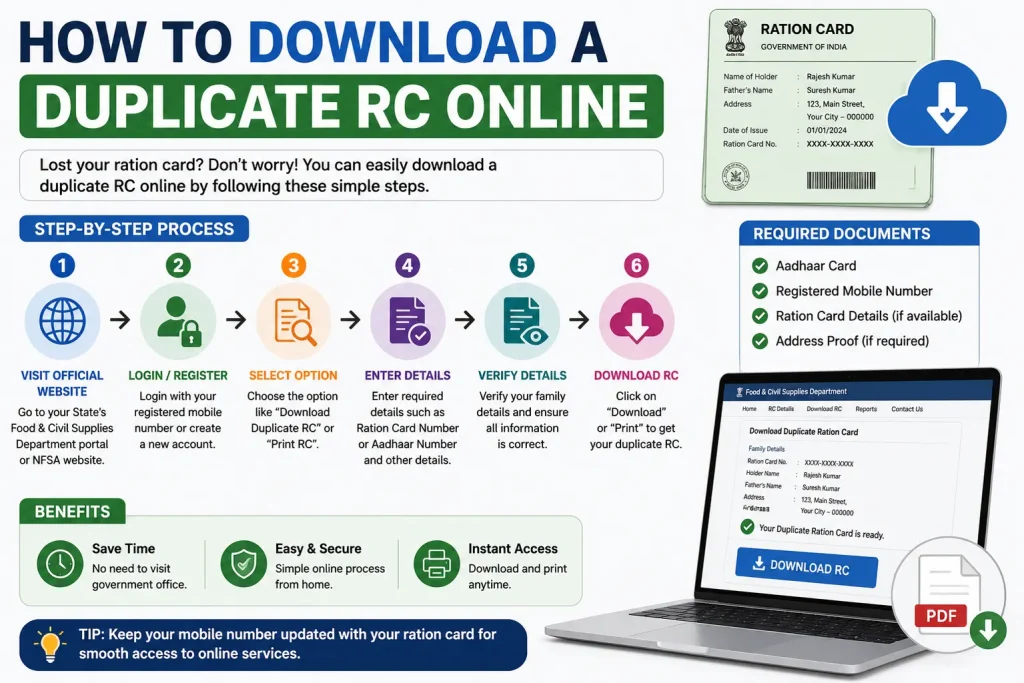
If your physical RC is lost, stolen, or damaged, you do not need to keep visiting the RTO. You can apply for a duplicate RC through the Parivahan portal itself.
- Visit parivahan.gov.in: Go to “Online Services” and select “Vehicle Related Services,” then choose your state.
- Select “Duplicate RC”: Find the duplicate RC application option, usually filed under Form 26.
- Upload documents: Attach a valid insurance copy, your PUC certificate, and an FIR copy if the RC was lost or stolen.
- Pay the fee: Complete the prescribed payment online, which also covers postal charges if a card is being sent to your address.
- Track the application: Use “Know Your Application Status” on the Parivahan website with your application number to follow progress.
Once approved, you can access the updated record through DigiLocker or mParivahan immediately, even before the physical card arrives by post.
Fixing Common RC Download Problems
This is where most existing guides fall short. Here are the real fixes for the errors people run into most often.
| Problem | Likely Fix |
| OTP not received | Wait a few minutes for server load to clear, check for network issues, or confirm your number is still linked to the vehicle at the RTO. |
| “RC not found” message | Re-check the registration number for typos, confirm the vehicle state matches the portal, or try again after a few hours if records are mid-update. |
| Download button missing on VAHAN | Your state may not support direct download on that portal. Switch to DigiLocker, which works for every state. |
| Details do not match | This usually means an ownership transfer or correction is still pending at the RTO. Contact your RTO to confirm the update status. |
| PDF not opening or saving | Clear your browser cache, free up phone storage, or try downloading again using a different browser. |
Is the Digital RC Legally Valid
Yes. The Ministry of Road Transport and Highways has clarified that RC and driving licence records accessed through DigiLocker or mParivahan are recognised as valid electronic documents. Traffic police across India are instructed to accept them in place of the physical RC during routine checks, so there is no legal risk in relying on the digital copy.
DigiLocker vs mParivahan vs VAHAN: Which One Should You Use
| Platform | Best For | Works Offline | Stores Permanently |
| DigiLocker | Official storage and sharing | No | Yes |
| mParivahan | Quick display during travel | Yes | Yes |
| VAHAN Portal | Checking status, print form | No | No |
Safety Tips: Avoiding Fake RC Download Websites
Several private websites rank for RC download searches and ask you to enter personal details before redirecting you, or worse, before charging a fee for a free government service. Protect yourself by following these rules:
- Only use parivahan.gov.in, digilocker.gov.in, or the official mParivahan app published by NIC
- Never pay any third-party site for a basic RC download or status check
- Avoid pages that promise an “instant RC PDF” without OTP verification, since genuine government systems always verify ownership first
- Check the URL carefully, since fake portals often use names that look similar to the official one
Frequently Asked Questions
Can I download my RC book without an OTP?
No. OTP verification confirms that only the registered vehicle owner can access the RC, so it cannot be skipped on any official platform.
What if my RC does not show up on the Parivahan portal?
Try mParivahan or DigiLocker instead, or contact your local RTO if your vehicle data has not been updated yet.
Is DigiLocker compulsory for downloading RC?
No, it is optional, but it is the most secure government-backed way to store your digital RC long term.
Can I download RC if my vehicle loan is still active?
Yes, but the hypothecation entry of the financing bank will appear on the RC until the loan is closed and the entry is removed.
Does the digital RC work for vehicle resale?
Yes, buyers and RTOs accept the digital RC for verification, although you should still complete the formal ownership transfer.
How long is my RC valid before renewal?
Private vehicle registration is valid for 15 years from the date of issue, after which renewal becomes mandatory.
Final Thoughts
Downloading your RC book online takes only a few minutes once you know which platform suits your situation. Use DigiLocker if you want a permanent, official copy, choose mParivahan for quick access while driving, and turn to the VAHAN portal when you need to check your registration status directly. Stick to official government platforms, keep your details ready, and you will never have to worry about a missing RC book again.
You May Also Like It:
How to Calculate Attendance Percentage